

The Question Every Graphic Designer Is Asking Now
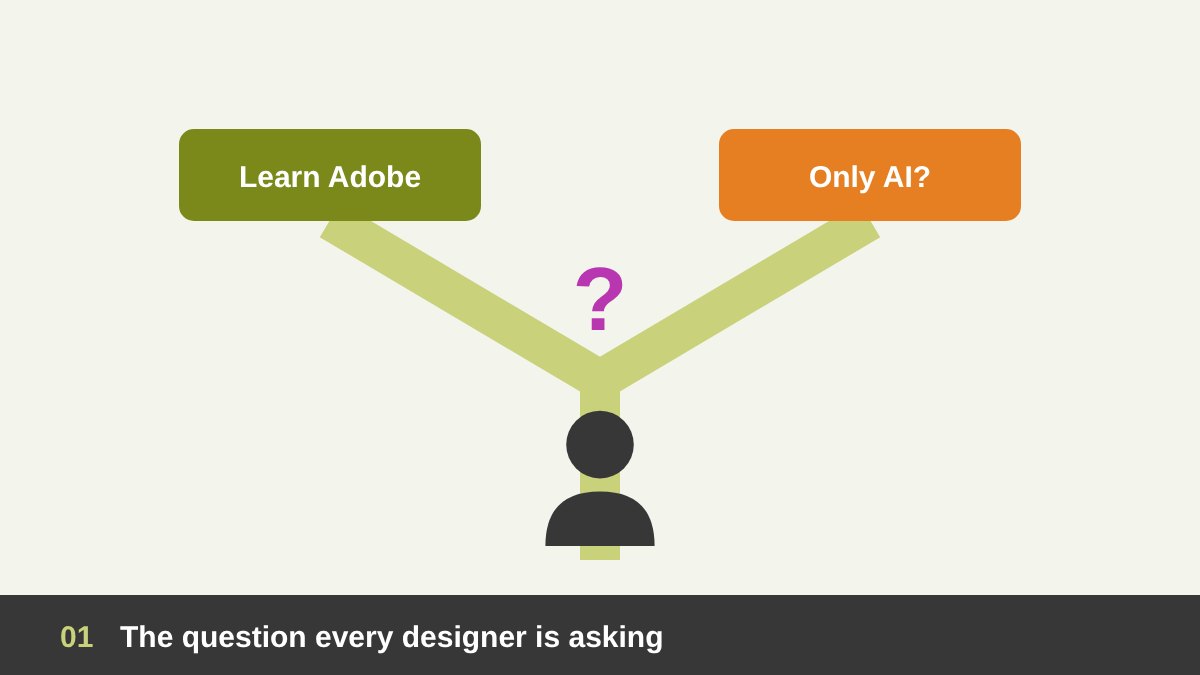
A few years ago the path was clear. If you wanted to be a graphic designer, you learned Photoshop, Illustrator and InDesign, practised for years, and your skill in these programs was a big part of your value. Today a student types one sentence into an AI tool and gets a polished image in seconds. So the question I hear from students, junior designers and even senior colleagues is the same: if AI can do everything, why should anyone still spend months learning Adobe?
I have worked with Adobe software for more than twenty years, as a designer, an art director and a teacher of Photoshop and Illustrator, and I use AI tools every week in real client projects. In this guide on AI and Adobe for graphic designers I share an honest view: the real challenges professionals are facing, how AI is changing Adobe itself, what AI still cannot do, whether beginners should skip the traditional programs, and practical advice for both new and experienced designers.
Key takeaways
- AI has not replaced Adobe; it has moved inside Photoshop, Illustrator and the rest of the toolkit.
- Beginners should still learn the core tools, but faster and with AI from day one.
- Professionals should automate the repetitive work and sell judgment, strategy and finishing quality.
- The winning workflow is hybrid: AI for exploring and speed, Adobe for control, precision and final files.
How Adobe Became the Language of Graphic Design
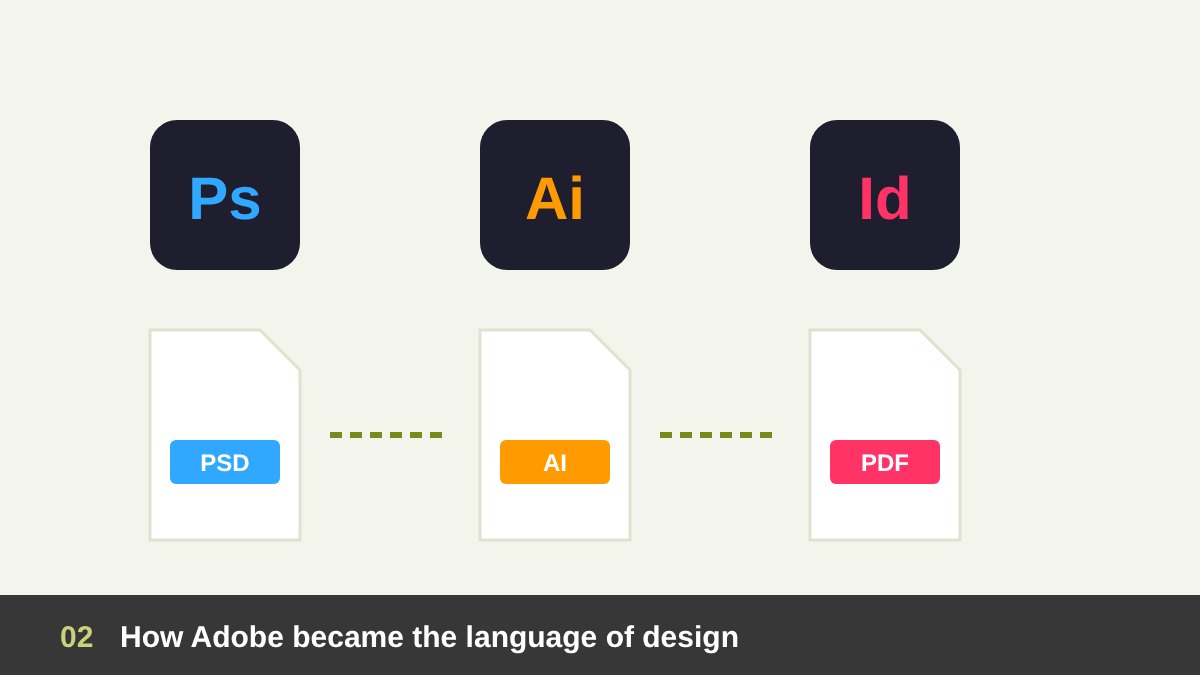
For a long time, Adobe Creative Cloud was more than a set of programs; it was the shared language of the industry. Agencies, printers, studios and clients all exchanged PSD, AI and PDF files. Knowing the Pen tool, layers, masks, color modes and print-ready exports was a clear professional line between an amateur and a designer you could trust with a real brand.
That mastery took years to build, and for many designers it was also their competitive advantage. A designer who could retouch a product photo perfectly, build a clean vector logo or lay out a hundred-page catalogue without errors was in demand. This is why the arrival of AI feels personal to many of us: it seems to attack the exact skill we spent our careers building.
How AI Changed the Design Game
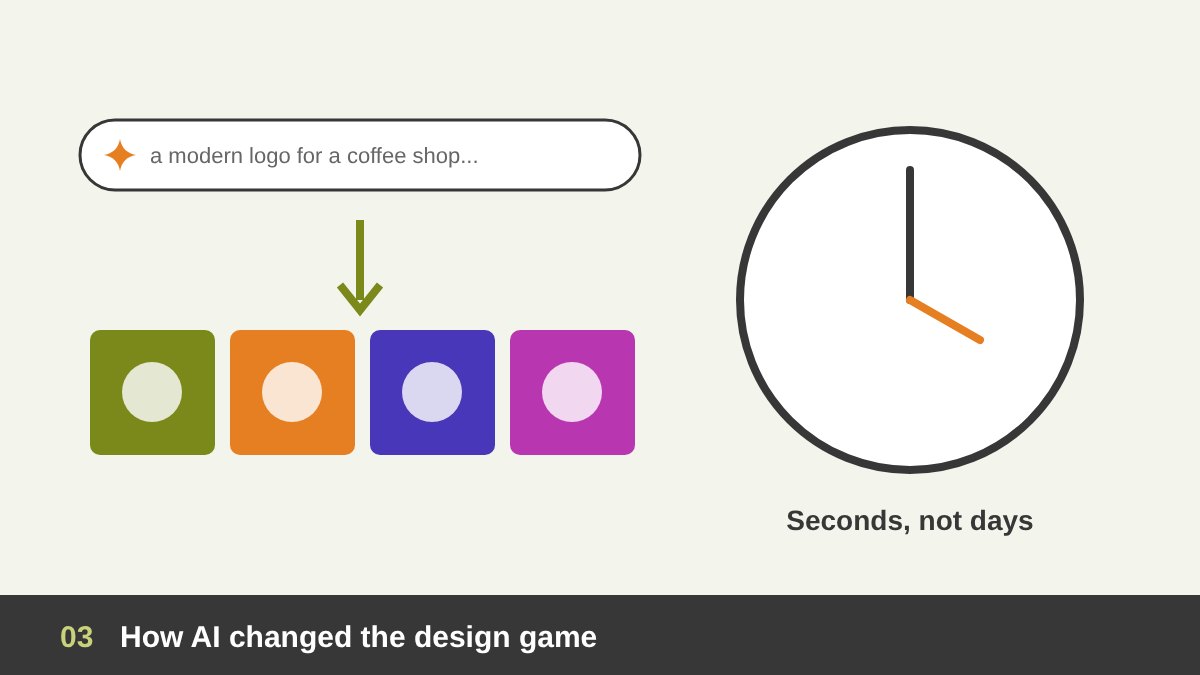
Generative AI changed three things very quickly. First, speed: ideas, mood boards and mockups that took a day now take minutes. Second, access: people with no design training can produce images that look professional at first glance, inside chat assistants, Canva or dedicated AI image apps. Third, expectations: many clients now believe that design should be faster and cheaper because “the AI does it”.
For designers, this is both a threat and an opportunity. Simple, low-budget tasks such as basic social media images, generic illustrations or stock-style photos are under real pressure. At the same time, designers who know how to use AI well can explore more ideas, present richer concepts and deliver faster than ever. The tool is the same for everyone; what makes the difference is who is guiding it.
How AI Is Reshaping Adobe Itself
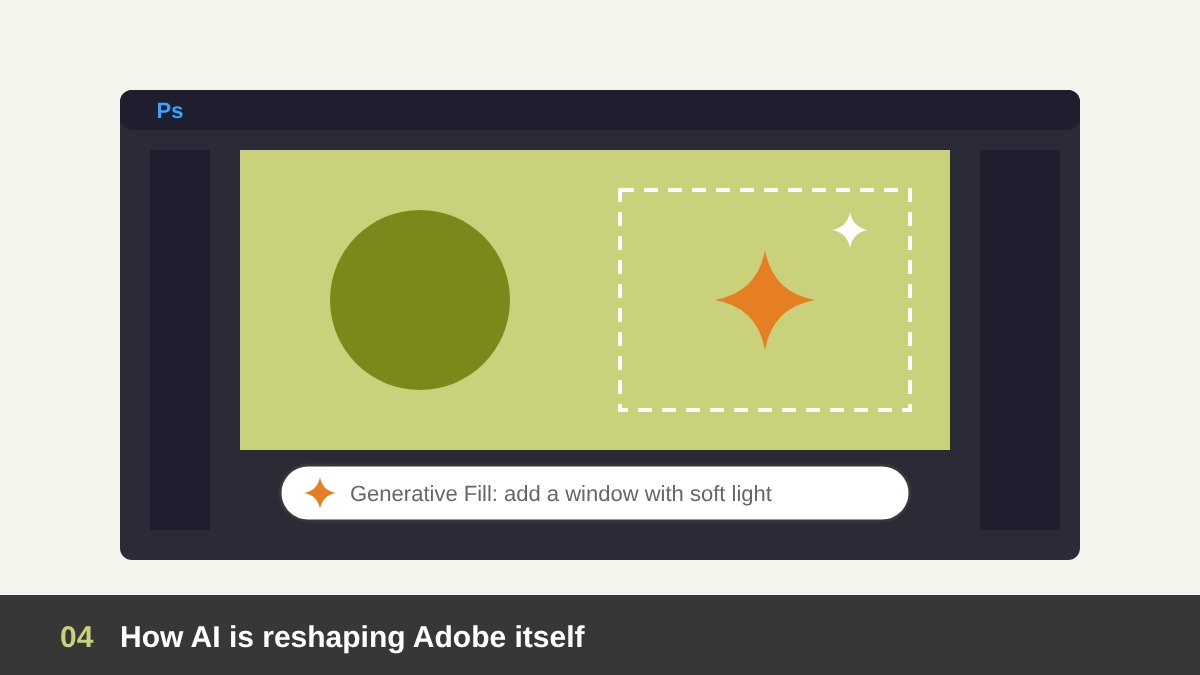
The interesting part is that AI is not only competing with Adobe from the outside; it is rebuilding Adobe from the inside. Adobe Firefly powers features like Generative Fill and Generative Expand in Photoshop and text-to-vector tools in Illustrator. Adobe now lets designers choose partner AI models from other companies inside its apps, is adding conversational AI assistants that can edit an image from a simple instruction, and has made its tools available from inside AI chat assistants.
This tells us something important about the future of AI and Adobe for graphic designers. The question is no longer “Adobe or AI”. The software itself is turning into a place where AI generates and the designer directs, selects, corrects and finishes. A designer who understands layers, masks, selections and vectors gets far more out of these AI features than someone who only knows how to type a prompt.
The Real Challenges for Professional Adobe Designers
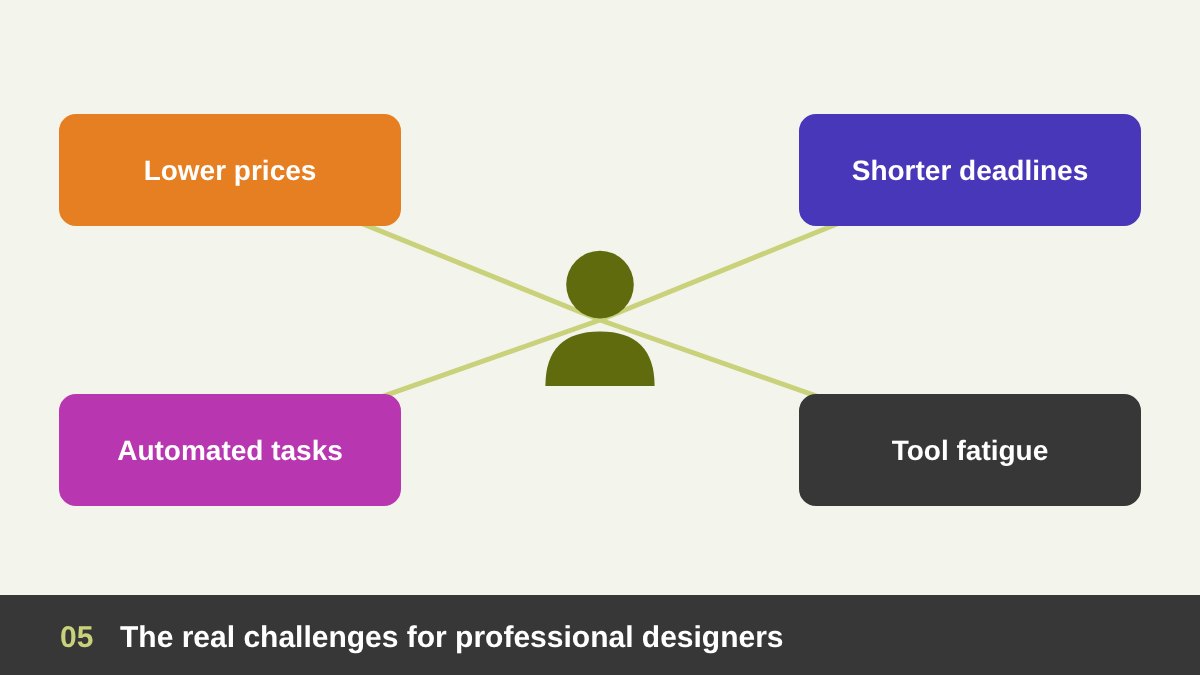
Let us be honest about the pressure. Clients compare your quote with AI tools that cost a few dollars a month. Deadlines get shorter because “it should be quick now”. Some routine tasks that used to pay well, such as background removal, simple retouching, resizing campaigns or basic illustrations, are now automated. And designers who invested years in software skills feel that their experience is suddenly worth less.
There are other challenges too: learning fatigue from a new AI tool every month, questions about copyright and image rights, clients who send AI-generated logos and ask you to “just fix” them, and the fear of falling behind younger designers who grew up with AI. These are real problems. But none of them means that professional design skills are no longer needed. They mean that the value has moved, and we need to move with it.
What AI Still Cannot Do Well
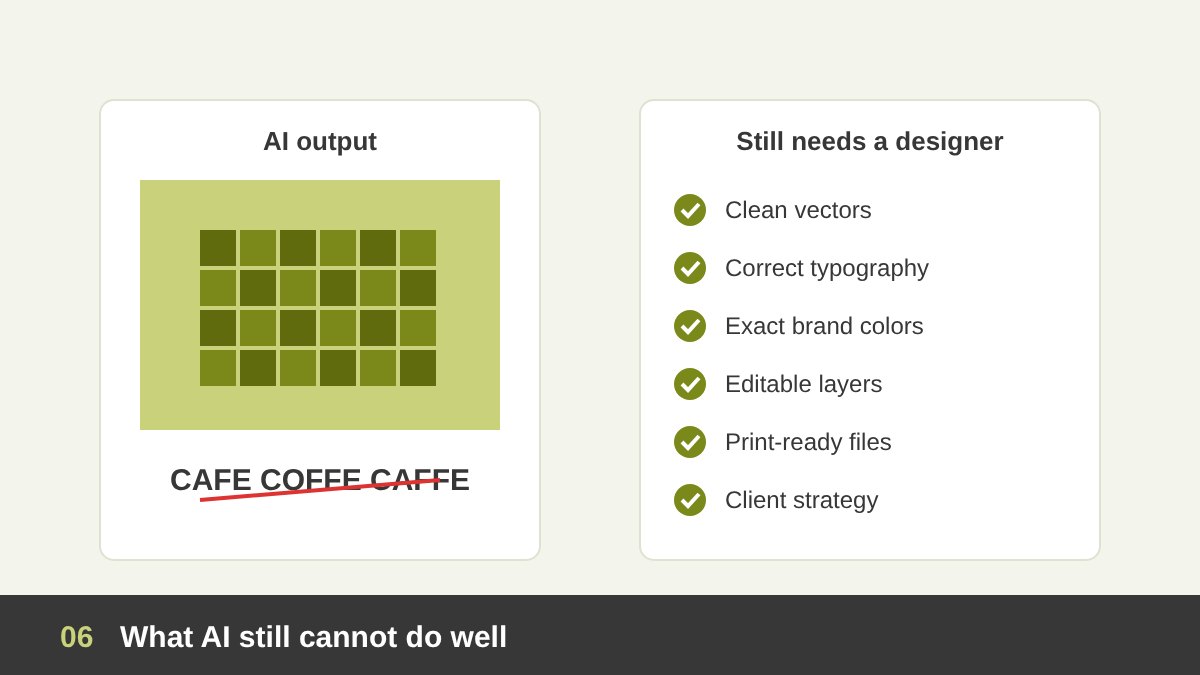
AI is impressive at producing images, but professional design is much more than an image. AI still struggles with clean, scalable vector logos, accurate and well-set typography, exact brand colors, consistency across a whole identity system, editable layered files, and print preparation such as CMYK, bleed and resolution. It cannot sit with the client, understand the business and turn a vague brief into a clear strategy.
It also struggles with precise revisions. When a client says “move the logo a little to the left and keep everything else exactly the same”, a designer in Photoshop or Illustrator does it in seconds, while an AI often regenerates the whole image. And AI cannot take responsibility: it does not check that a design is legally safe to use, culturally appropriate for the audience, or right for the brand. That judgment is still our job, and it is a big part of why clients pay a professional.
Should Beginners Skip Adobe and Learn Only AI?
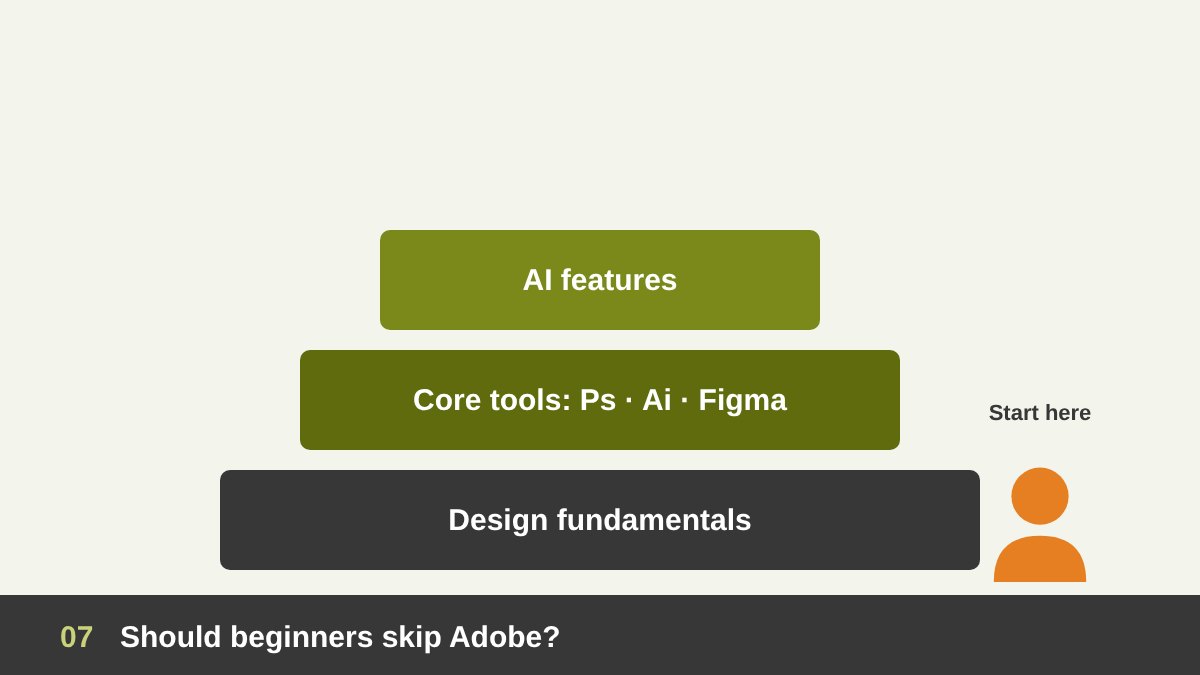
My clear answer is no. Skipping the core programs to learn only AI is like learning to use a calculator without understanding numbers. Without design fundamentals and real tool skills, you cannot judge whether an AI result is good, you cannot fix it, and you cannot prepare it for real use. You will always depend on luck and on the next prompt, and clients quickly notice the difference.
What should change is how you learn. You do not need to memorise every menu or spend months on techniques that AI now does in one click. Focus on the parts that give you control: layers and masks, selections, the Pen tool, vectors, type, color and export settings. Learn them with AI features switched on from the start, so you see the program as one workspace where you think, generate and finish. My free Photoshop course and Illustrator course lessons cover these foundations step by step.
If AI Can Do Everything, Why Go Back to Adobe?
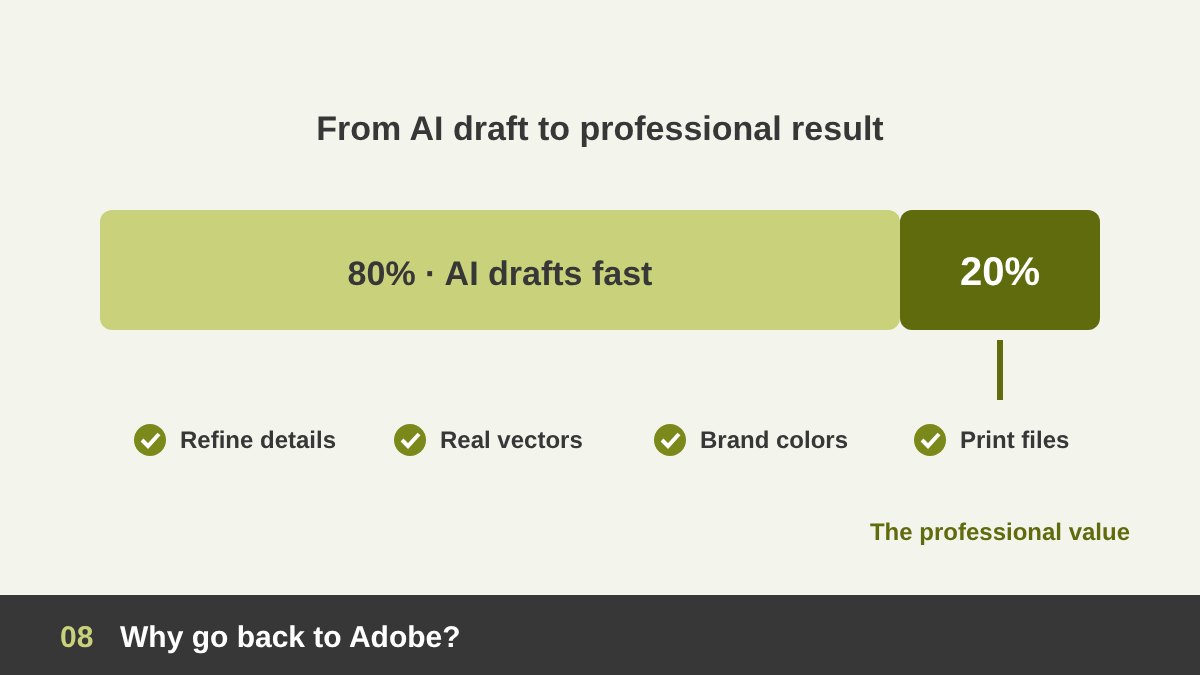
Because AI does the first 80 percent quickly, and the last 20 percent is where the professional value is. That last part is refining details, correcting hands, text and edges, matching brand colors, building a real vector logo, combining several elements into one composition, and preparing files that work on a billboard, a website and a business card. This is exactly what Photoshop, Illustrator, InDesign and Figma are built for.
Think of AI as a very fast assistant that brings you raw material. You still need a studio to shape that material into something precise, consistent and usable. A logo generated as a flat image cannot be printed on a vehicle or embroidered on a uniform; it must be rebuilt as clean vectors. A campaign must look the same across twenty sizes. A brand needs rules. For work like branding and logo design, control is not optional, and control lives in professional tools.
Combining AI and Adobe: A Hybrid Workflow That Works
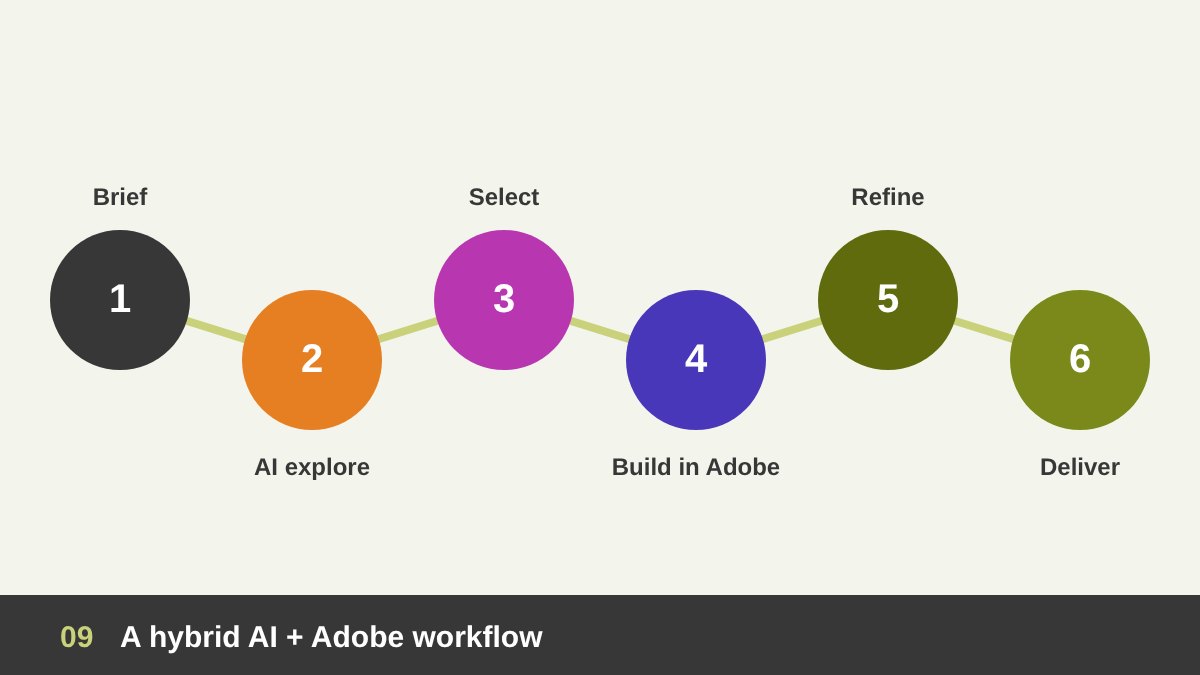
The best results I see today come from a hybrid workflow. Start with the brief and the strategy, without any tool. Then use AI to explore: mood boards, color directions, rough compositions, image ideas, copy options. Choose the strongest direction with your own judgment, sketch it, and move into Photoshop, Illustrator or Figma to build it properly with real type, clean vectors and a grid.
Inside Adobe, use AI again where it saves time: Generative Fill to extend a background, AI selections to cut out a product, text-to-vector to try icon ideas. Then finish by hand: refine, check every detail, apply the brand system and export correct files. Keep a short record of the AI tools and models you used, and check their licensing terms, especially for commercial work. This is what AI and Adobe for graphic designers looks like in practice: faster than the old way and far more reliable than AI alone.
| Task | AI alone | Adobe alone | Hybrid (best) |
|---|---|---|---|
| Ideas and mood boards | Very fast, many options | Slow | AI explores, designer selects |
| Logo and identity | Flat images, inconsistent | Precise vectors, slower | AI for ideas, Illustrator for the final logo |
| Typography | Often wrong or messy | Full control | Type always set by the designer |
| Photo editing and retouching | Quick but imprecise | Precise, time-consuming | Generative Fill plus manual finishing |
| Exact client revisions | Regenerates everything | Fast and exact | Edit layers in Photoshop or Figma |
| Print and final files | Not reliable | Professional output | Always export from professional tools |
| Brand consistency | Weak across many pieces | Strong with templates and rules | Brand system in Adobe, AI inside the rules |
Advice for New Graphic Designers
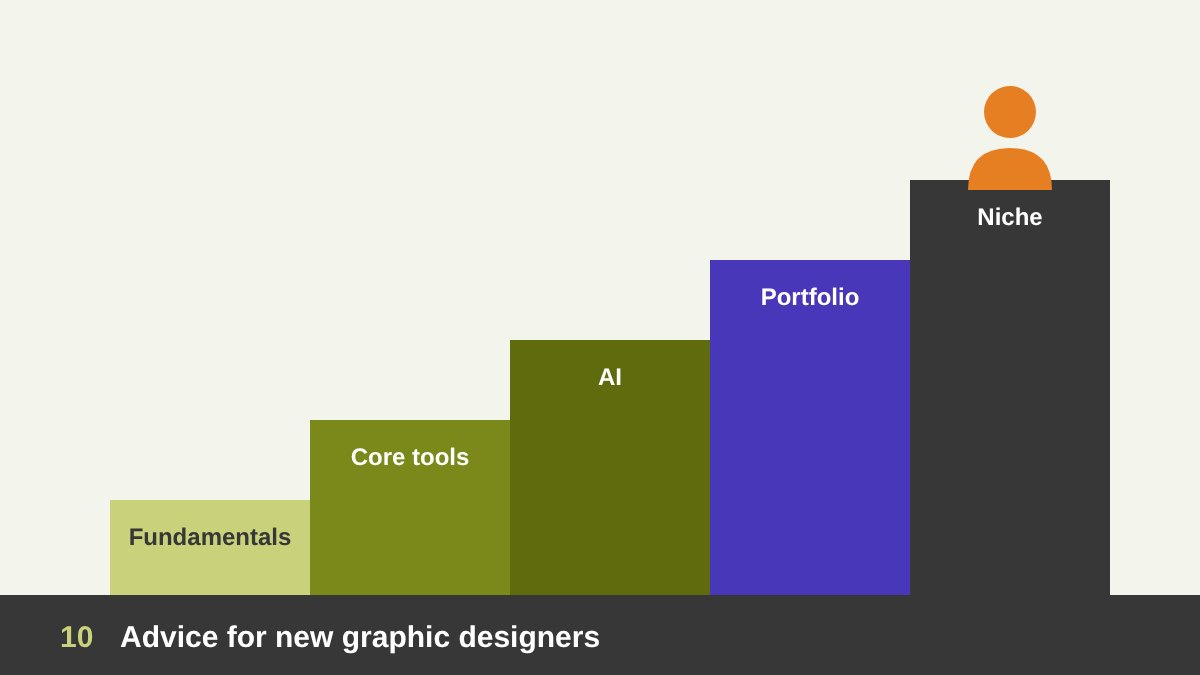
If you are just starting, build your foundation in this order: design fundamentals first (typography, color, layout, hierarchy), then the core tools (Photoshop, Illustrator and Figma, with InDesign if you work in print), and AI as part of both from the beginning. Practise by recreating good designs by hand, then try to reach the same quality faster using AI. This teaches you what AI does well and where it fails.
Show your thinking in your portfolio, not only the final images. Clients and employers want to see that you understand problems, not that you can type prompts. Be transparent about how you use AI. Choose a direction early, such as branding, UI/UX or motion, because generalists who only produce images are the most exposed to automation. My guides to graphic design job titles and freelance graphic designer skills can help you plan the next steps.
Advice for Experienced Designers
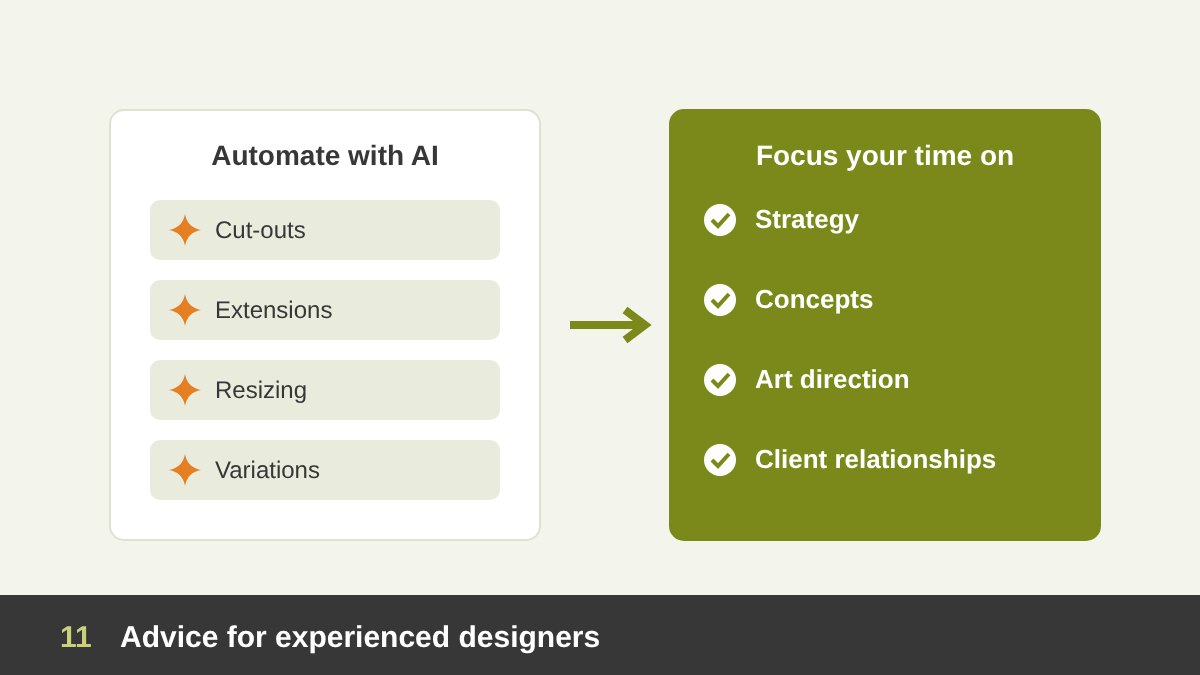
If you are already a professional, your experience is your biggest asset, not a burden. Do not resist AI; test it seriously for a few weeks on real projects and decide where it really saves time. Automate the repetitive work such as cut-outs, extensions, resizing and variations, and use the time you gain for the work AI cannot do: strategy, concepts, art direction, client relationships and quality control.
Reposition your offer around outcomes, not hours of software work. Sell brand systems, campaigns and complete solutions instead of single images. Explain to clients how you use AI to give them more options and faster delivery, while you guarantee the quality and the rights. Many senior designers are moving naturally toward art direction, where the main skill is guiding people and machines toward a clear vision. I write more about that role in the art of managing graphic design.
The Future: From Software Operator to Creative Director
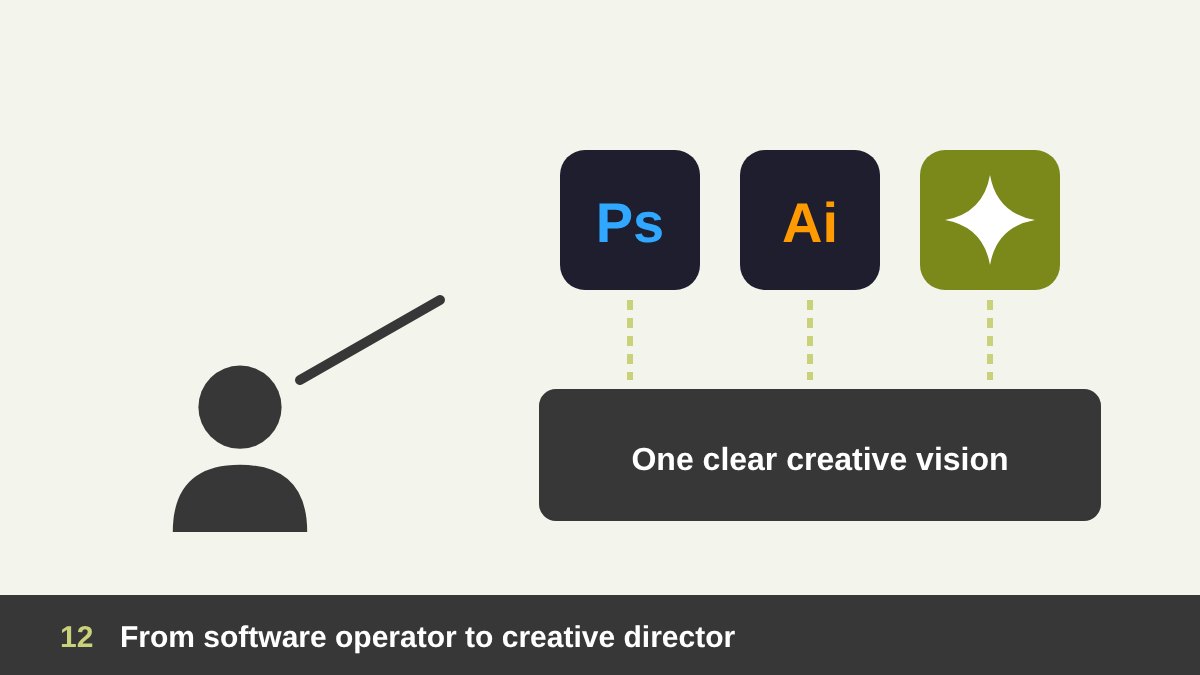
The role of the graphic designer is shifting from operating software to directing the result. Tools will keep changing, and AI will keep getting better, but the need for someone who understands people, brands and visual communication is not going away. The designers who will struggle are those who rely only on software tricks, or only on prompts. The designers who will grow are those who combine taste, fundamentals, professional tools and AI.
To sum up: keep learning Adobe, but learn it the new way; use AI every day, but never hand it your judgment; and invest in the skills that make you a partner to your clients, not just a producer of files. If you are a business looking for a designer who uses AI responsibly for web and UI/UX, branding or graphic design, or a designer who wants guidance on this transition, you can see my portfolio or get in touch with me.
AI and Adobe for Graphic Designers: Frequently Asked Questions
Will AI replace Adobe Photoshop and Illustrator?
No. AI is becoming part of Photoshop, Illustrator and the other Adobe apps rather than replacing them. Generative features handle quick tasks, while designers still need professional tools for precision, editable layers, vectors, typography and print-ready files.
Should I still learn Adobe in the age of AI?
Yes. Learn the core tools, especially Photoshop, Illustrator and Figma, together with design fundamentals. Focus on the skills that give you control, such as layers, masks, the Pen tool, type and export settings, and learn the built-in AI features from the start.
Can I become a graphic designer by learning only AI tools?
It is very difficult. Without fundamentals and tool skills you cannot judge, fix or prepare AI results for real use. AI-only work is also the easiest kind of work for clients to replace with cheaper options.
How can graphic designers use AI and Adobe together?
Use AI to explore ideas, mood boards and rough compositions, then build the chosen direction in Photoshop, Illustrator or Figma. Use AI features inside Adobe to save time on repetitive edits, and finish by hand to control quality and brand consistency.
Is it safe to use AI-generated images in client work?
It depends on the tool and its license. Adobe says its own Firefly models are designed to be commercially safe, but other models have different terms. Always check the licensing of the model you use, tell clients how AI was used, and avoid generating content that copies other brands or artists.
What should experienced designers do about AI?
Adopt AI where it really saves time, automate repetitive production work, and move your offer toward strategy, concepts, art direction and complete brand solutions, where human judgment is the main value.