

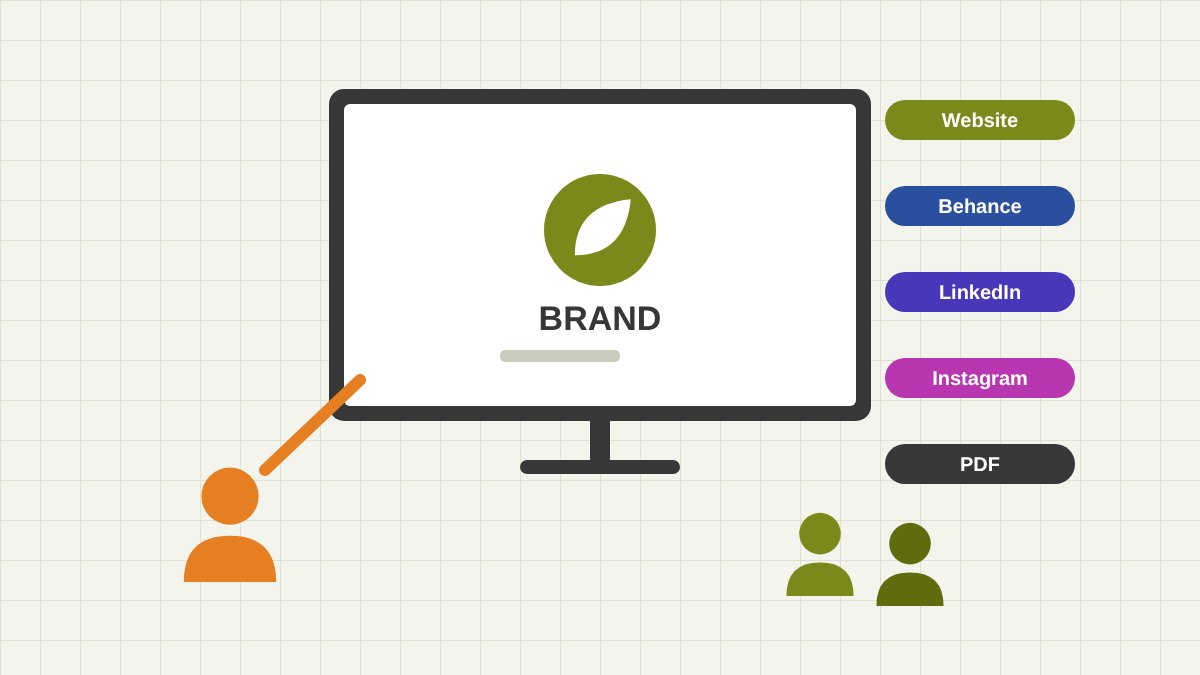
Why You Need to Present Your Design Work Well
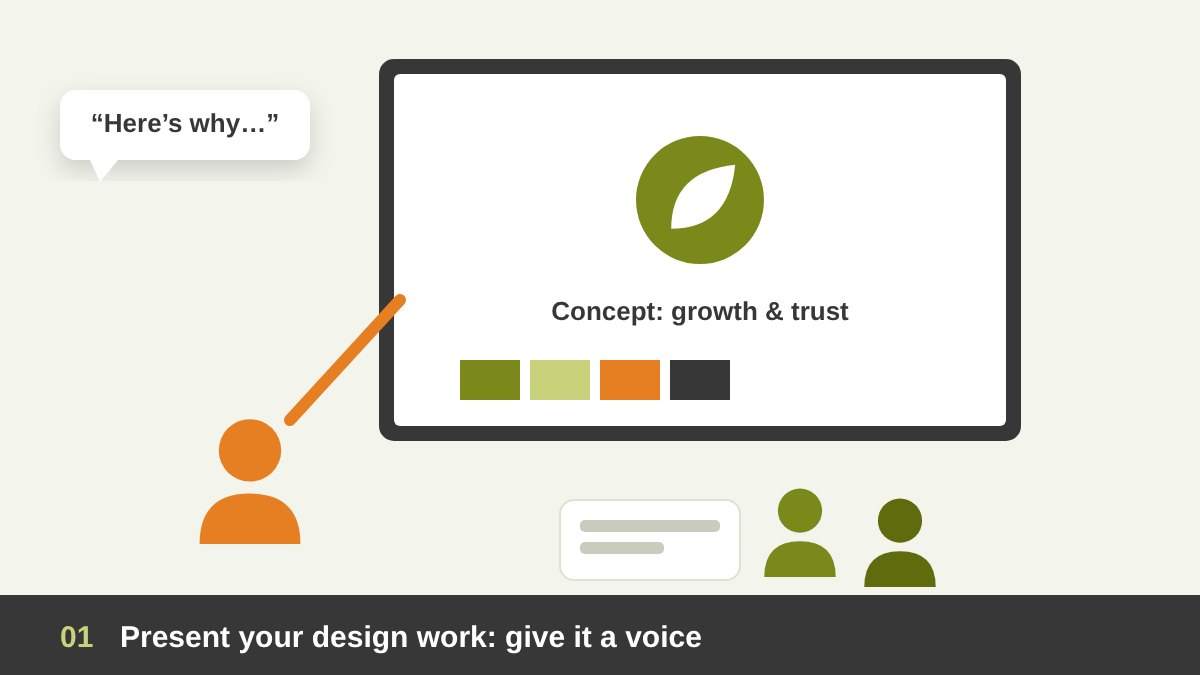
Many designers believe that good work speaks for itself. I believed it too when I started. Then I saw strong designs rejected in meetings, and average designs approved, simply because one designer explained the idea clearly and the other sent a JPG with the words “here is the logo”. After many years as an art director, reviewing portfolios and presenting work to clients, I can say it plainly: the work does not speak for itself. You have to give it a voice.
In this article we will look at why and how to present your design work to two different audiences: the prospective client who does not know you yet, and the current client who already pays you and wants to feel sure about every step. Then we will go through the channels every designer should use to show their work, from your own website to Behance, LinkedIn, Instagram and a simple PDF. Here is the short version:
Key takeaways
- Clients rarely judge your design alone. They judge the way you present it: the story, the reasons and the confidence behind it.
- Prospective clients need proof and trust: a short, focused portfolio and case studies that show how you think, not only what you made.
- Current clients need clarity and partnership: a live presentation, the reasons behind every decision, clean files and regular updates.
- Show fewer, better projects. Choose the work you want to be hired for, and show it in context with real mockups and applications.
- Your own website is your home base. Behance, LinkedIn, Instagram, Dribbble and a PDF credentials deck carry people back to it.
Presentation Is Part of the Design Job, Not an Extra
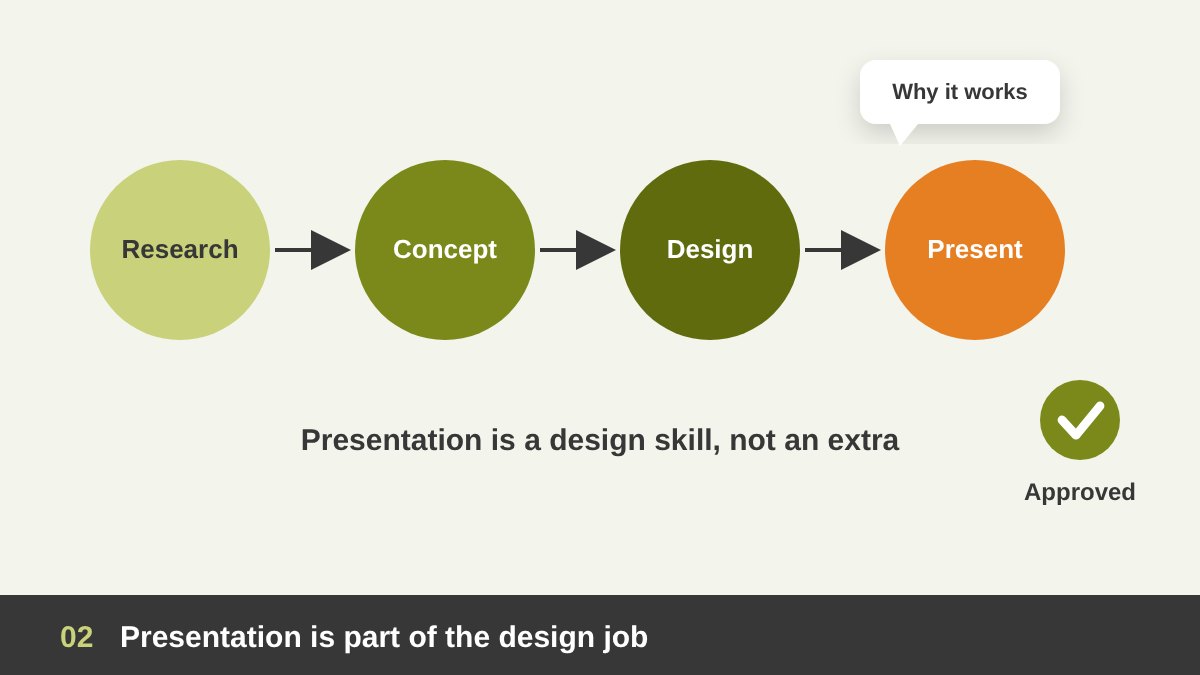
A client is not a designer. When they look at your work they do not see the grid, the type choices or the hours of sketching. They see a final image, and they ask themselves one simple question: “Is this right for my business?” If you do not answer that question for them, they will answer it with personal taste: “I don’t like green”, “Can the logo be bigger?”. Most painful revision rounds start here, not in the design itself.
Presenting is the moment when you connect the design back to the brief. You remind the client of the problem, show how you solved it, and explain why each choice serves their goal. This is a design skill, just like typography or colour. In my article on freelance graphic designer skills I put communication and presentation next to software skills for this reason. A designer who presents well gets fewer revisions, higher fees and clients who come back.
Two Audiences: Prospective Clients and Current Clients
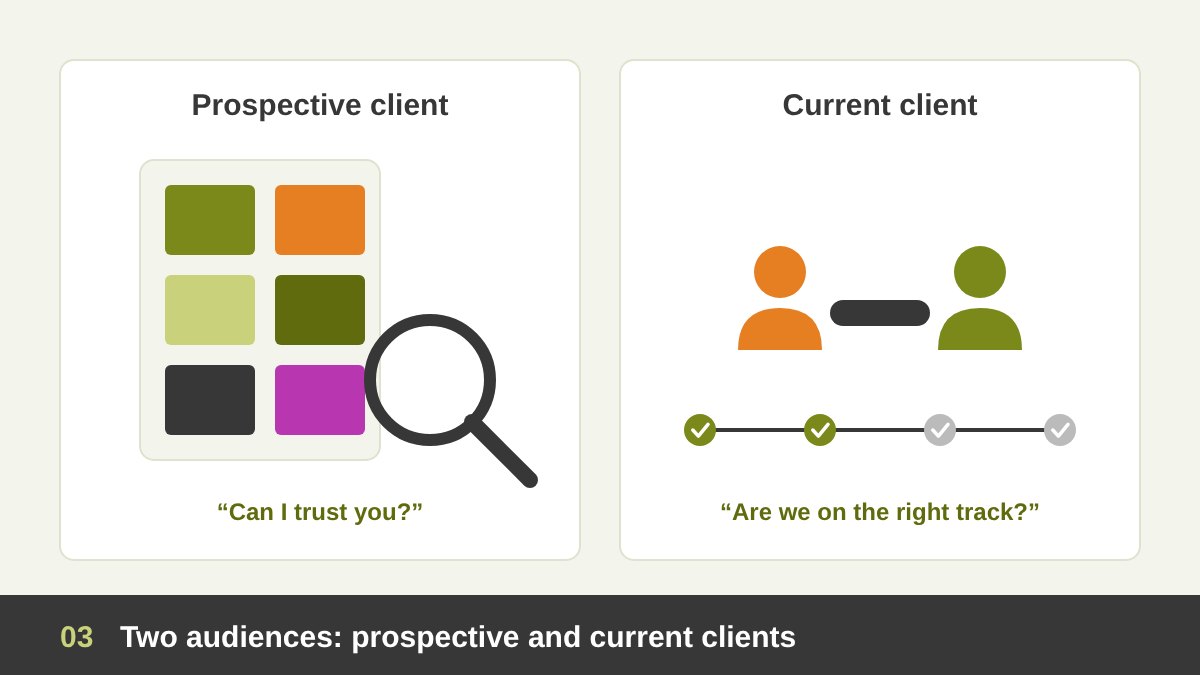
Before you decide how to present, ask who is looking. A prospective client is asking “Can I trust this designer with my money and my brand?”. They spend a few minutes, maybe less, scrolling your portfolio. They need fast proof: relevant projects, clear results, a professional look and an easy way to contact you.
A current client has already said yes. Now the question is different: “Are we going in the right direction, and will this work for my business?”. They need clarity, reasons, progress and a feeling of partnership. The same project can be shown to both audiences, but the format changes. For new clients, it becomes a short case study. For current clients, it becomes a guided presentation and a clean handover. We will look at each one.
For Prospective Clients: Curate Fewer, Better Projects
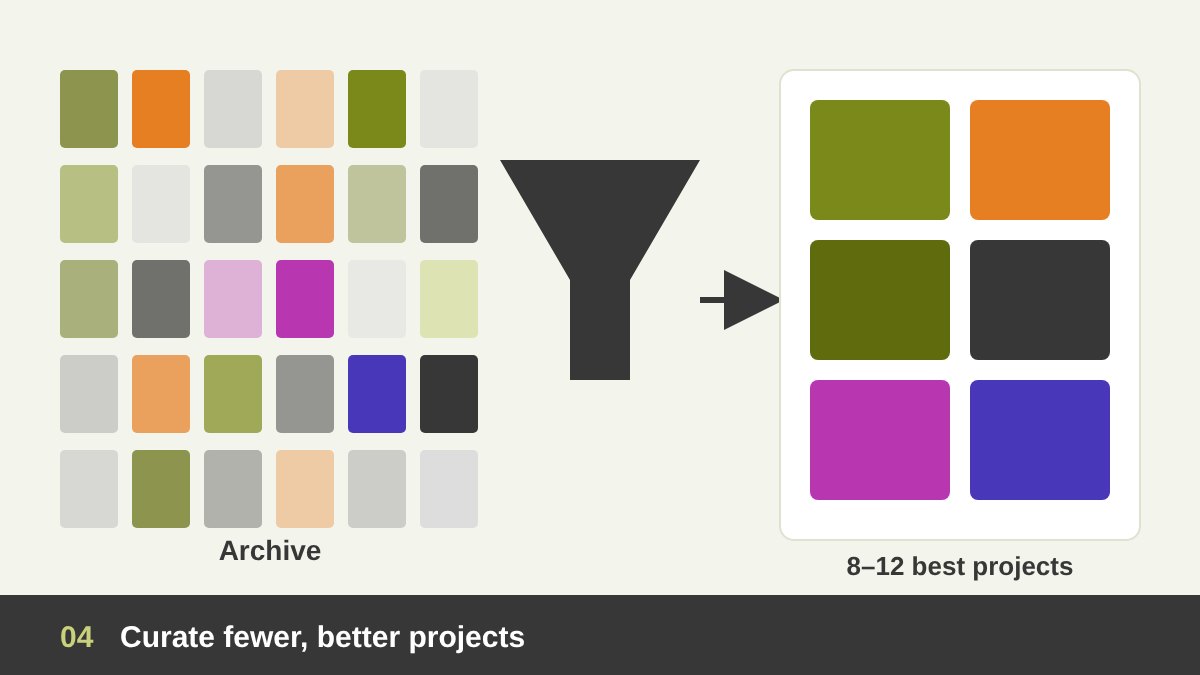
The most common portfolio mistake I see is showing everything. Fifty projects, from student exercises to a flyer made in one hour, all at the same level. A visitor cannot tell what you are best at, and the weak pieces pull down the strong ones. A good portfolio is an edit, not an archive. Eight to twelve strong projects are usually enough, and every single one should be work you would be happy to do again.
Choose the work you want to be hired for, not only the work you have done. If you want more branding projects, put your best identities first, like the projects in my branding portfolio. Group the work by service, so a client looking for a website or a logo finds the right examples quickly. Remove old pieces that no longer represent your level, and update the portfolio at least twice a year. Your portfolio is not a museum of your past; it is an advertisement for your next project.
Tell the Story: How to Write a Design Case Study
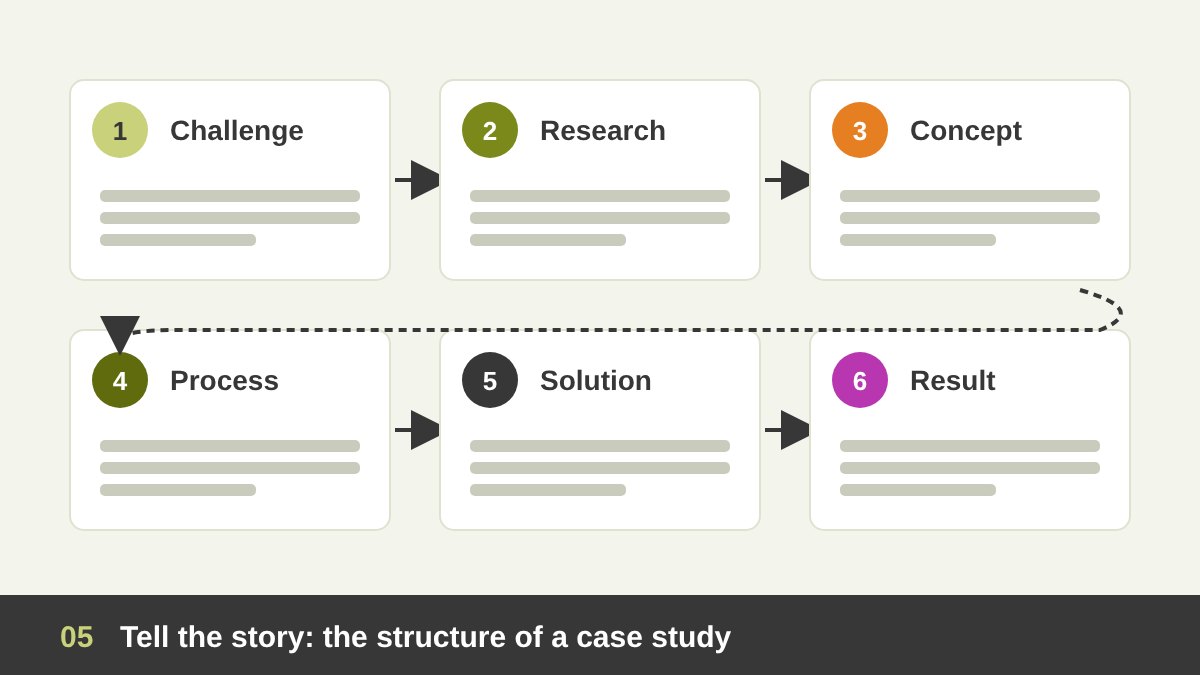
A finished logo on a white background shows that you can draw. A case study shows that you can think, and clients pay for thinking. A simple structure works for almost every project: the challenge (who the client is and what problem they had), the research (what you learned about the market, the audience and the competitors), the concept (the core idea in one or two sentences), the process (sketches, directions you explored, decisions you made), the solution (the final design and its applications), and the result (what changed for the client).
Keep the text short and let the images carry the story, but never remove the words completely. One clear sentence that explains the idea behind a mark does more than ten extra mockups. You can see this approach in my case studies for Al Malik and Maulana Stud. If you want to understand why the concept is the heart of every identity, read my guide to good logo design.
Show Your Work in Context: Mockups, Applications and Real Life
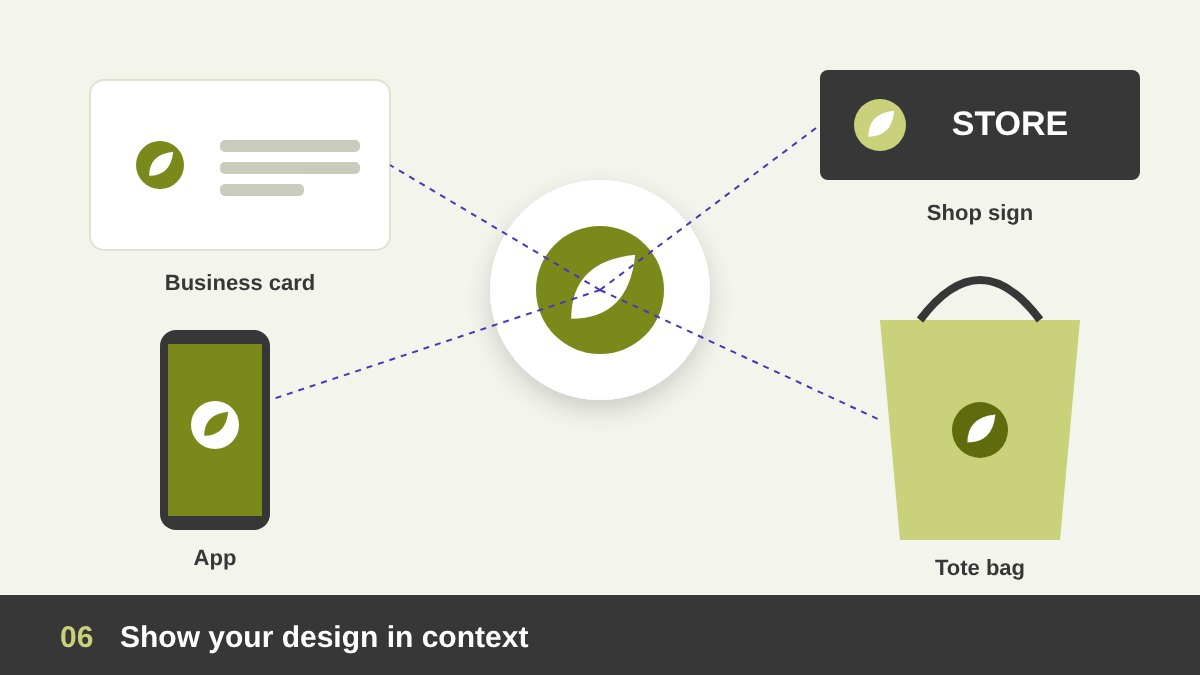
Clients find it hard to imagine a flat design in the real world. So show it for them. A logo becomes real on a business card, a shop sign, a uniform or an app icon. A website becomes real on a laptop and a phone, scrolled and clicked. A poster becomes real on a wall in the street. Context helps a client understand scale, use and value, and it helps a visitor to your portfolio see that you design for real life, not only for the screen.
Use mockups with taste. Choose realistic scenes that fit the client’s actual business: a café logo on a cup, not on a sports car. Avoid using the same free mockup that thousands of other designers use. When you can, show real photos of the printed work, the opened store or the live website. Nothing builds trust like proof that the design was produced and used. For event work, a photo of the finished stand is worth more than any render, as I explain in my article on exhibition booth design.
For Current Clients: Present Live, Never Just Send a File
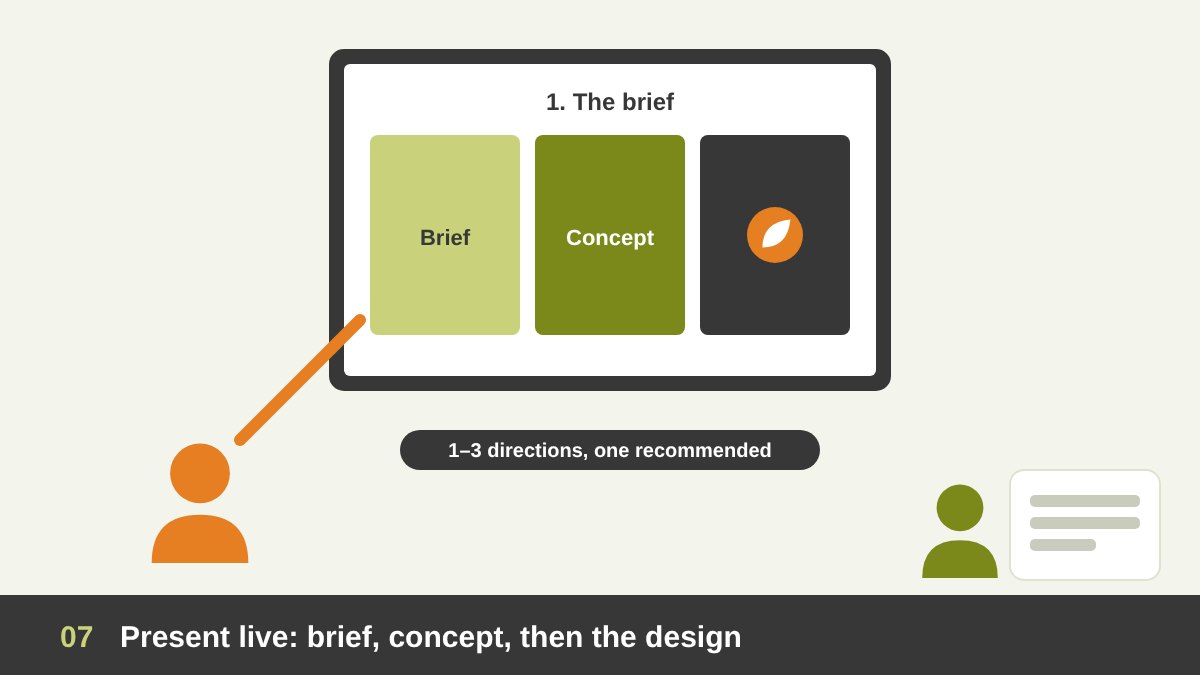
When you deliver a design concept, do not send a file and wait. Present it, in person or in a video call, and walk the client through it. Start with the brief: repeat the goal and the audience in their own words, so everyone agrees on what “good” means. Then show the concept and the reasons behind it, before the final design. Show the design large, alone on the screen first, then in context. Only then ask for feedback.
Prepare the presentation as a short deck, not a folder of images. One idea per slide, with a title that says what to notice. Show a small number of strong directions, usually one to three, and recommend one. Too many options tell the client you are not sure. During feedback, ask questions such as “Which part does not feel right for your customers?” instead of “Do you like it?”. That keeps the conversation on goals, not taste. After the meeting, send a short written summary of the decisions and the next steps. I use the same rules when I review work with a team, as I describe in the art of managing graphic design.
After Delivery: Keep Current Clients Coming Back
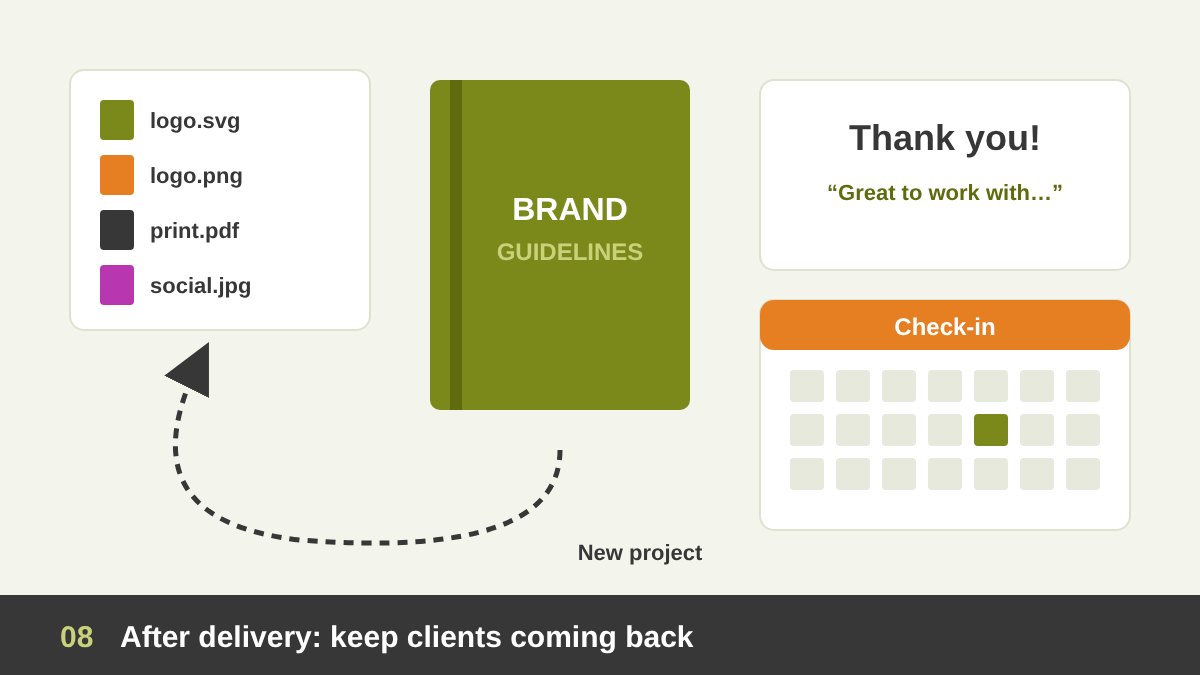
Your presentation does not end when the client says “approved”. The handover is part of how they remember you. Deliver organised final files with clear names, the right formats for print and screen, and a short guide that explains how to use them. For an identity, even a simple brand guidelines PDF shows professionalism and protects your design from being misused later.
Then stay in touch. Send the client photos when the design goes live, ask how it is performing, and share ideas when you see a new opportunity for their brand. Ask for a short testimonial while the project is fresh, and ask permission to show the work in your portfolio. A happy current client is your best channel: they bring repeat projects and recommend you to others, and a recommendation from a real client is worth more than any advertisement.
Channel 1: Your Own Website Is Your Home Base
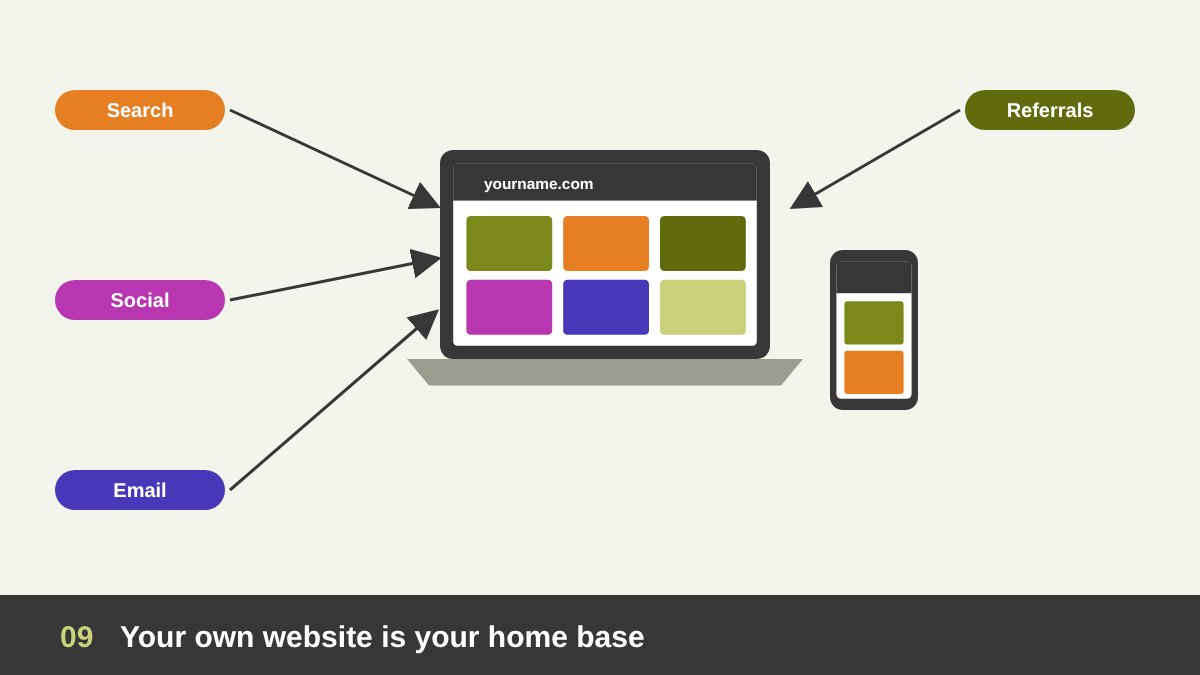
Every designer needs a personal website with their own domain name. Social platforms change their rules, their algorithms and sometimes disappear, but your website is the one place you fully own. It is where you control the order of the projects, the length of the case studies and the way people contact you. It also lets clients find you on Google when they search for a designer in your city or field.
Keep it simple: a clear line that says what you do and for whom, a selected portfolio grouped by service, a few case studies, a short about page with a real photo, client testimonials and an easy contact form. Make sure it loads fast and looks good on a phone, because many clients will open it from a link on their mobile. Adding a blog, even a few useful articles a year, shows your expertise and brings visitors from search engines. Every other channel in this list should point back here, to your portfolio.
Channel 2: Design Platforms: Behance and Dribbble
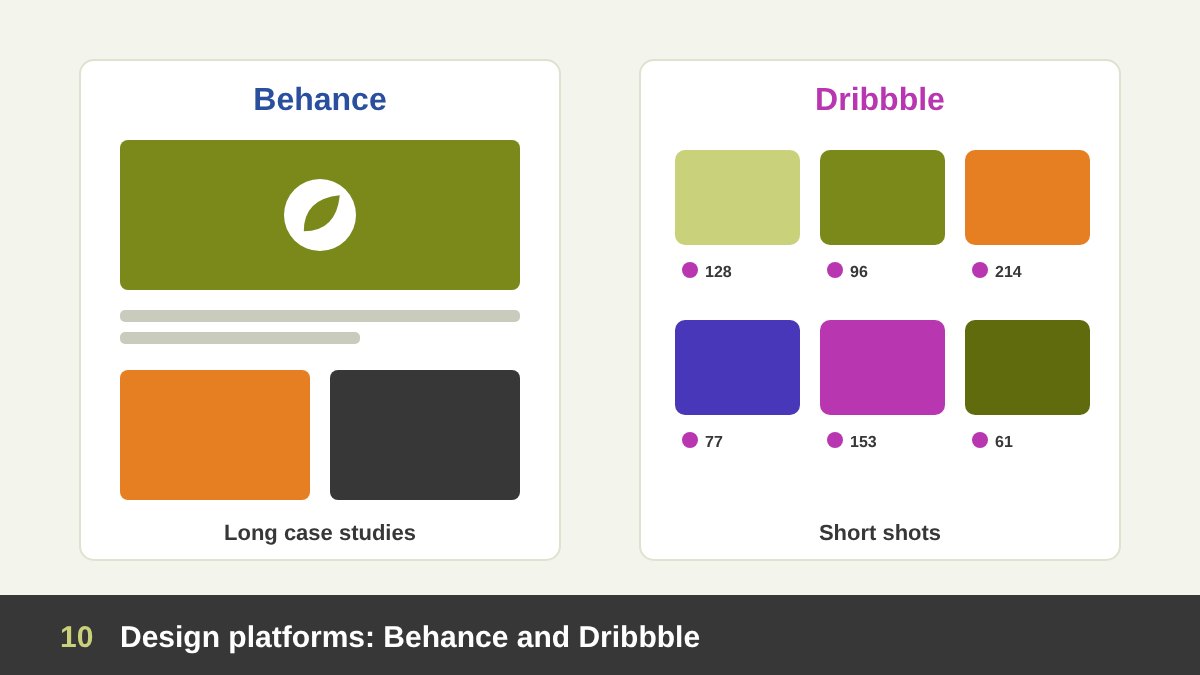
Behance, owned by Adobe, is the largest showcase for creative work, and it is made for long, visual case studies. It is searched by agencies, art directors and clients looking for designers, and a good project can be featured in its galleries and reach thousands of people. Publish your strongest case studies there in full, with the same story you use on your website, and add the right creative fields and tags so people can find them.
Dribbble works differently: it is built around short “shots” of UI screens, icons, illustrations and logo explorations, and it is popular with product and UI/UX teams. It is a good place for quick visual pieces and works in progress. You do not have to be everywhere: if you focus on branding and print, Behance is usually the better choice; if you focus on apps and interfaces, Dribbble deserves more time. Either way, link each project back to your website.
Channel 3: Social Media: LinkedIn, Instagram and Pinterest
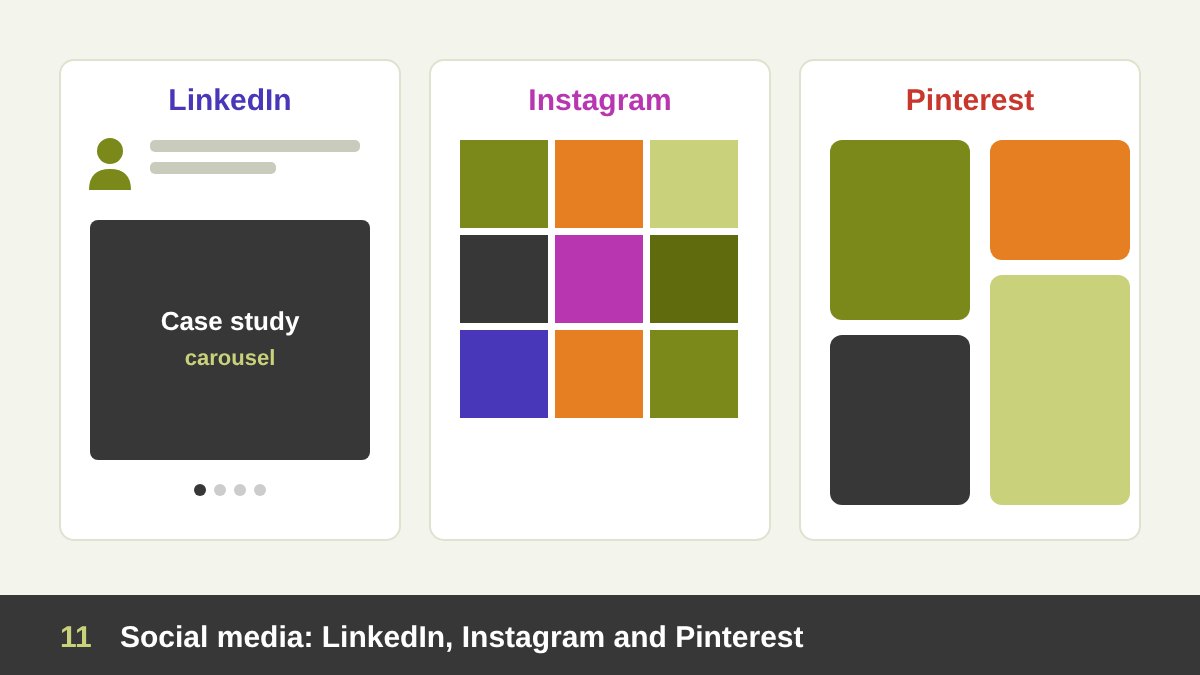
LinkedIn is where decision makers are: marketing managers, business owners and the people who approve budgets. Clients there buy expertise, so do not only post pictures. Share short case studies as document carousels, explain a lesson you learned on a project, and write in a clear, helpful voice. Fill your profile’s Featured section with your best projects and a link to your website.
Instagram is a visual stage. It suits branding, illustration, packaging and painting, and it is excellent for showing process through carousels, short videos and stories. Keep a consistent look for your grid, because people judge your eye from it in seconds. Pinterest is less social and more like a visual search engine: well-named pins can bring visitors to your website for months. Choose one or two of these channels and post regularly, instead of opening five accounts that stay empty. You can repurpose the same project for each one; the trick is to change the format, not the work.
Channel 4: Direct and Offline: PDF Portfolio, Email and Events
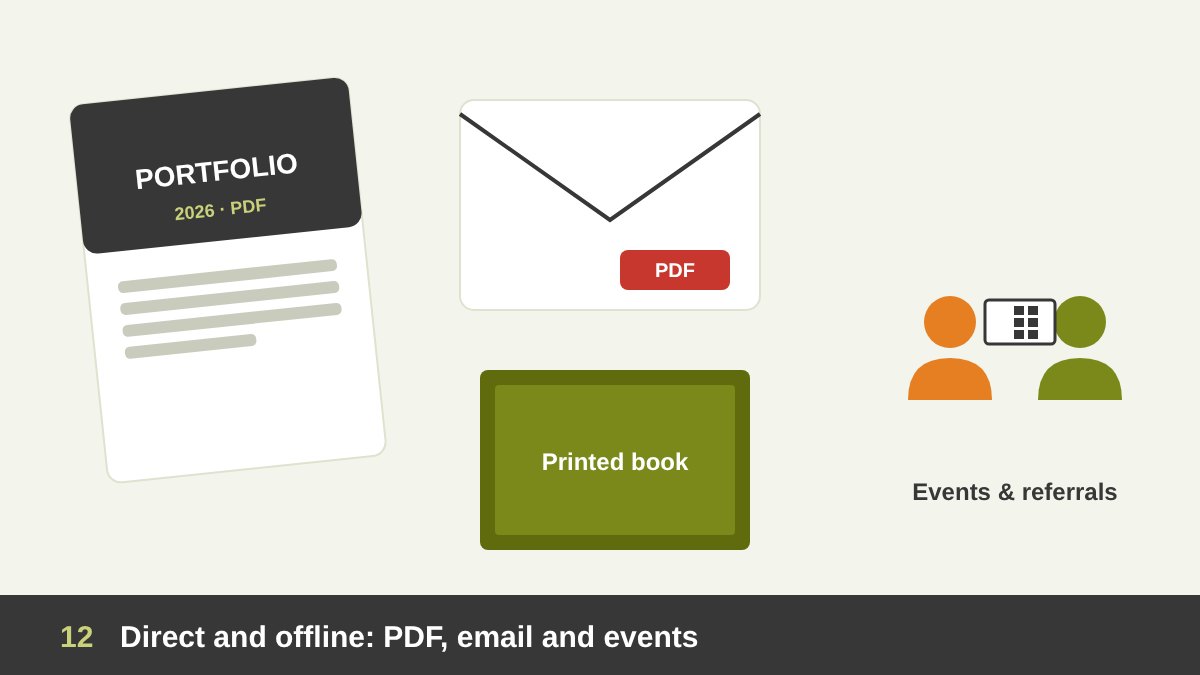
Not every client will browse your website. Some ask, “Can you send me your profile?”. Be ready with a short PDF portfolio or credentials deck: ten to fifteen pages, your services, selected projects, a few client logos and testimonials, and your contact details. Make a version for each service, and keep the file size small enough to send by email or WhatsApp. When a project is very relevant, add a tailored page that speaks directly to that client’s industry.
Offline channels still matter, especially in markets where business is built on relationships. Exhibitions, conferences, design events and local business groups are places where a short conversation, a business card and a QR code to your portfolio can open a project. Word of mouth is the oldest channel of all, and it is fed by everything we discussed above: good work, clear presentation and happy clients. The table below compares the main channels.
| Channel | Best for | What to show | How often |
|---|---|---|---|
| Your own website | Trust, search engines, every client | Selected portfolio, case studies, testimonials, contact form | Update monthly |
| Behance | Agencies, art directors, branding clients | Full case studies with the story and applications | Each finished project |
| Dribbble | UI/UX and product teams | Short shots of screens, icons and explorations | Weekly or biweekly |
| Decision makers and companies | Case-study carousels, lessons, results | 2 to 3 posts a week | |
| Branding, illustration, painting, local clients | Carousels, process videos, a consistent grid | 2 to 4 posts a week | |
| Long-term visual search traffic | Vertical pins linking to your website | A few pins a week | |
| PDF portfolio | Direct requests, email and WhatsApp | 10 to 15 pages of selected work and services | Update every quarter |
| Events and word of mouth | Local relationships and referrals | Conversations, business card, QR code to portfolio | Ongoing |
Common Mistakes and a Simple Routine to Keep Your Portfolio Alive
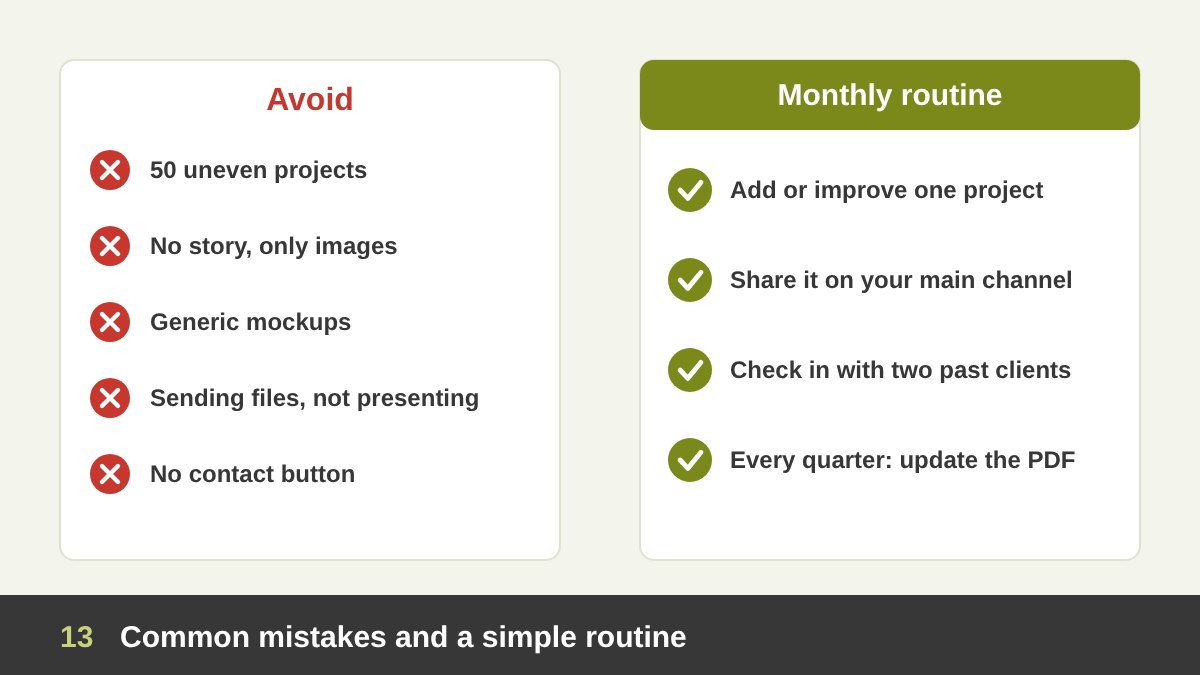
Here are the mistakes I see most often when designers present their work: showing too many projects of uneven quality; showing only final images with no idea behind them; using the same generic mockups as everyone else; sending files without presenting them; forgetting a clear way to contact you; and leaving a portfolio untouched for years. Another serious one is sharing confidential work without permission. Always ask the client first, and respect any agreement that limits what you can show.
The solution is a small routine, not a big effort once every few years. Each month, add or improve one project on your website, share it on your main social channel, and contact one or two past clients to check in. Each quarter, remove a weak project and update your PDF. Over a year this builds a portfolio that grows with you. If you are looking for a designer who will present your project with the same care, or you want help shaping your own brand story, get in touch with me.
Presenting Your Design Work: Frequently Asked Questions
Why is it important for a designer to present their work?
Because clients judge the design through the way it is explained. A clear presentation connects the design to the client’s goals, builds trust, reduces revisions and makes it easier for the client to approve the work and recommend you.
How many projects should a design portfolio include?
Usually eight to twelve strong projects are enough. It is better to show fewer projects of high quality, grouped by service, than a long list of uneven work.
What should a design case study include?
A good case study includes the challenge, the research, the concept, the process, the final solution with its applications, and the result for the client. Keep the text short and let the images tell most of the story.
Should I send my design to the client by email or present it?
Present it, in person or in a video call, and walk the client through the brief, the concept and the reasons for each decision. Send the file and a written summary after the meeting, not instead of it.
Which platforms should a graphic designer use to show their work?
Start with your own website, then add Behance for full case studies and LinkedIn to reach decision makers. Add Instagram, Dribbble or Pinterest depending on your field, and keep a PDF portfolio ready for direct requests.
Can I show client work in my portfolio?
Usually yes, but ask the client first, especially for unreleased or confidential projects, and respect any agreement you signed. Many designers add a portfolio clause to their contract to make this clear from the start.
Leave a Reply